
Photo Triage & Subcategories
click to enlarge
I LOVE creating scrapbook pages that document life and the people, places and things I LOVE most. The two pages on the left feature photos taken on a specific day. Look at the page on the right. None of those photos were taken on the same day, but I still think they belong together. With a Library of Memories system in place I have the freedom to find and use photos in unique and personal ways.
This week I will begin to teach YOU how to become a *photo triage specialist, so that you too will be able to find and combine photos to tell all kinds of stories. Let’s go!
➡️ Week 6 Tasks
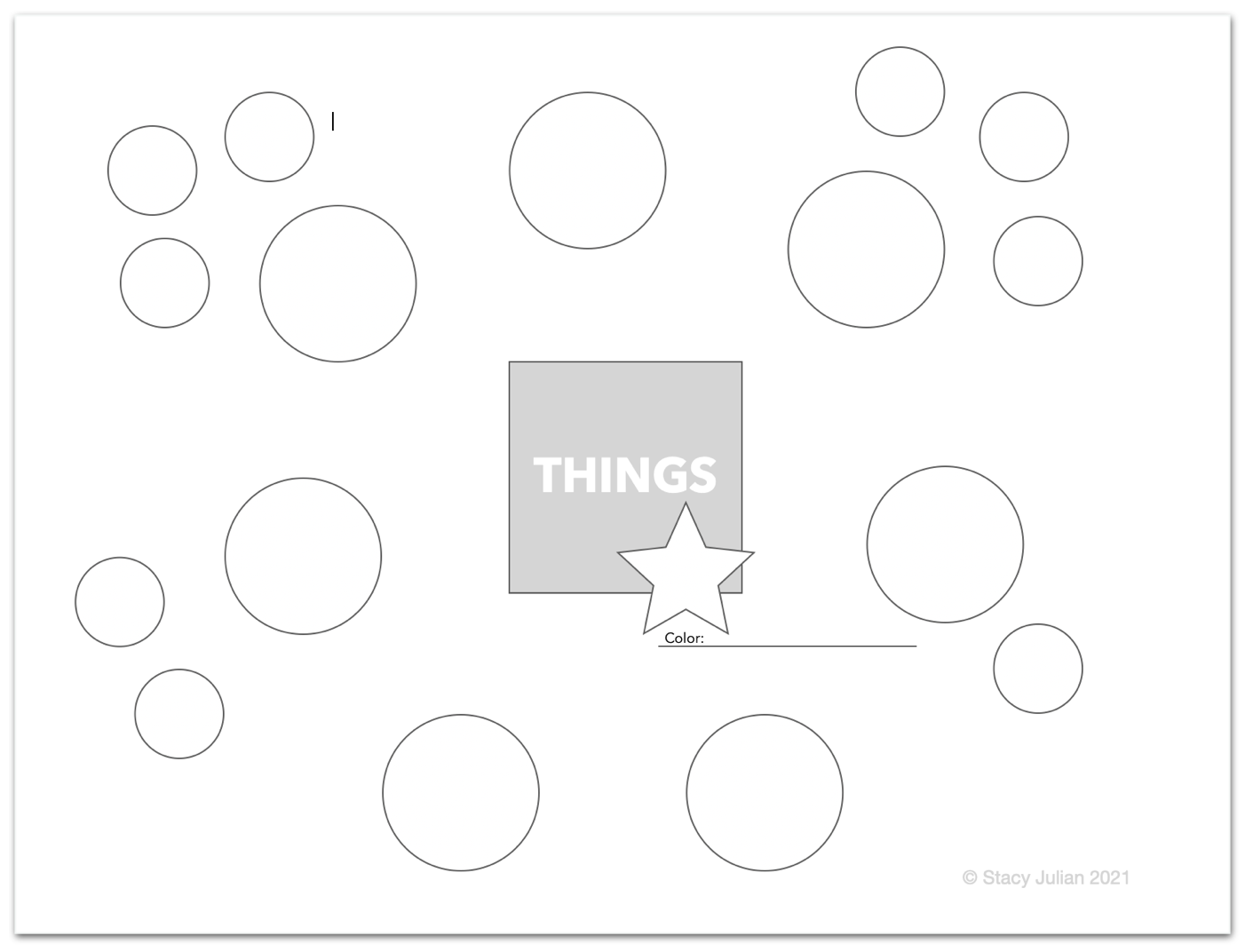
Print the 4, US, PEOPLE, PLACES and THINGS bubble charts and complete them as you thoughtfully move and cluster topics and details around the circles on each chart. Have FUN with this process. You can’t do it wrong!
Determine a limited number of subcategory names for your system. Start with broad, basic subcategories that you know you will be able to use over and over again!
Purchase and create subcategory index tabs for a category file and move prints in your US, PEOPLE, PLACES and THINGS piles into this file, by subcategory,
Set up subcategory keywords in your photo application and tag the images you placed in US, PEOPLE, PLACES and THINGS temporary folders or collections.
“Unlike anecdotes, stories are constructed in a way that makes them meaningful and memorable. ”
Photo Triage 📸
Storage binders are temporary, viewable storage for your best 3-Star prints in chronological order. Open a storage binder and you’ll find printed pictures waiting to be put on a page together. Scrolling through favorited images in your photo application and printing them in custom sizes to scrapbook is the digital equivalent of thumbing through storage binders. If it’s more convenient you can set up smart albums or collections to automatically aggregate your favorited images over a month or season or year.
Category files are long term storage for great prints that are sorted into subcategories in the general buckets of US, PEOPLE, PLACES and THINGS. Printed pictures are added to category files very intentionally over time to allow them to age and been seen in new ways. Interesting and personal stories often emerge from category storage. When you assign subcategory keywords to favorited and other great images in your library, you are developing the virtual equivalent of category files. These collections make it easy to see new relationships between photos and note similarities or change across time.
✳️ Photo triage happens when you let the urgency of circumstances, impressions and ideas dictate the direction of your storytelling. When you are able to act on inspiration AND find the photos you need to illustrate a story, you are a photo triage specialist.
Printable Handouts 🖨
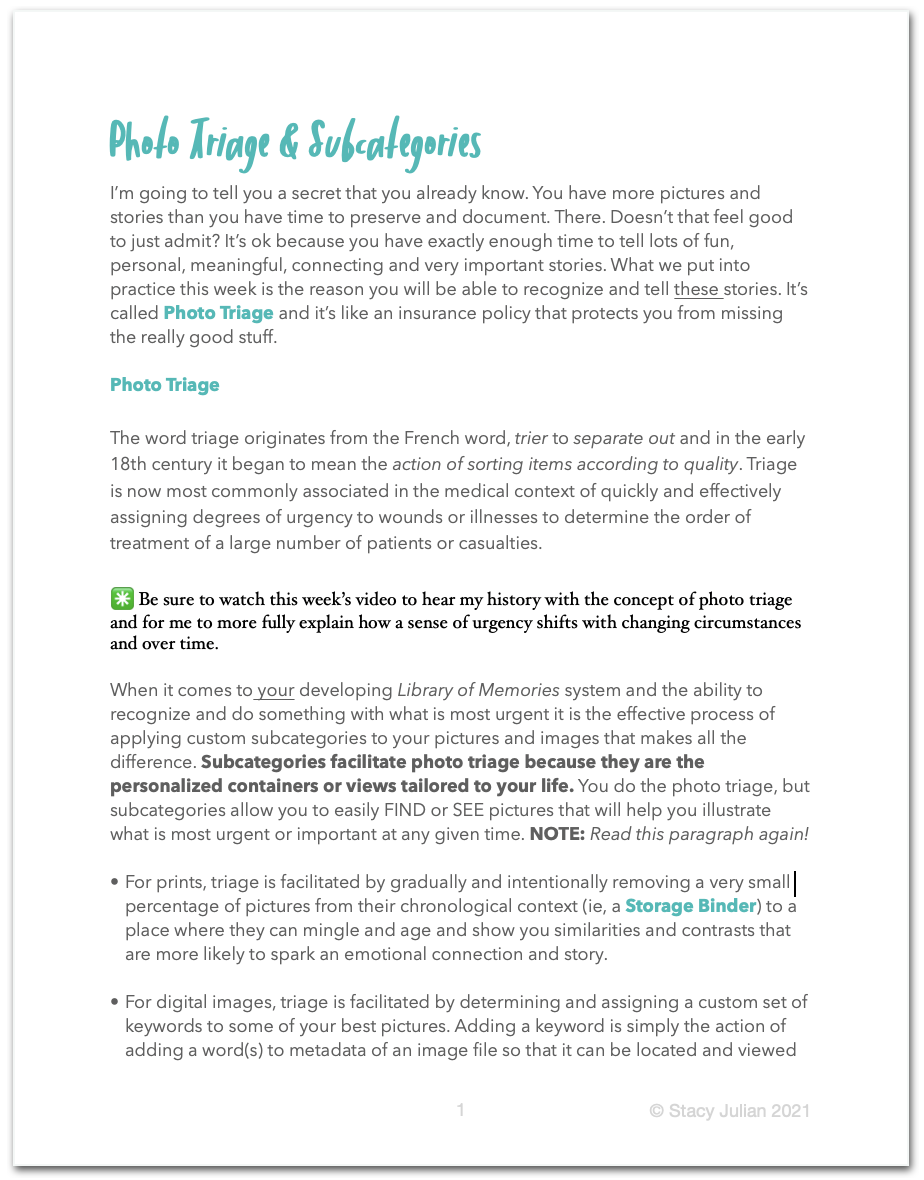
If you will read this handout and do the work required with the bubble charts you will be able to customize your photo storage and retrieval in powerful ways.
No, this system is not a once and done. Yes, setting it up takes time AND you will need to continue to adapt and practice a workflow (more on that next week!) but it is worth the effort and it does get easier!
🗄 Click here to download a pattern for TABBED CARD to use in your category files.
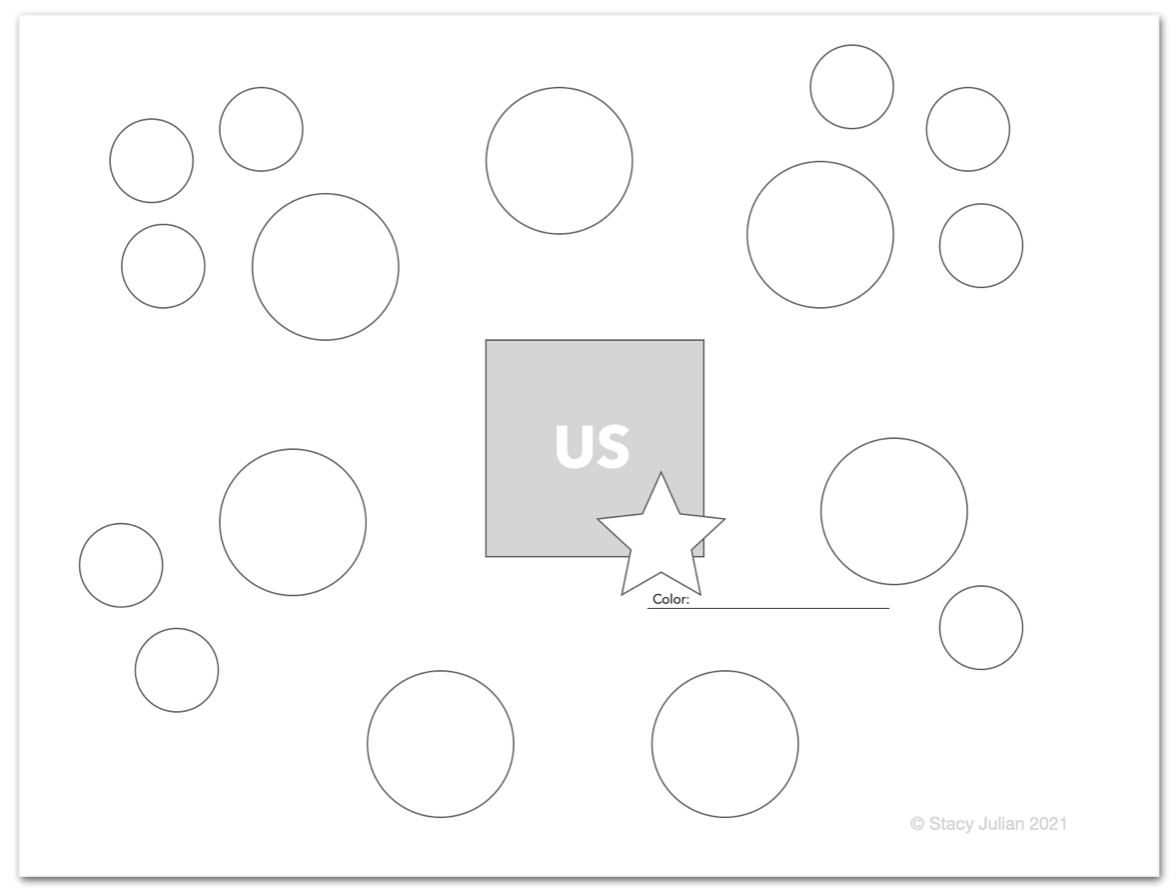
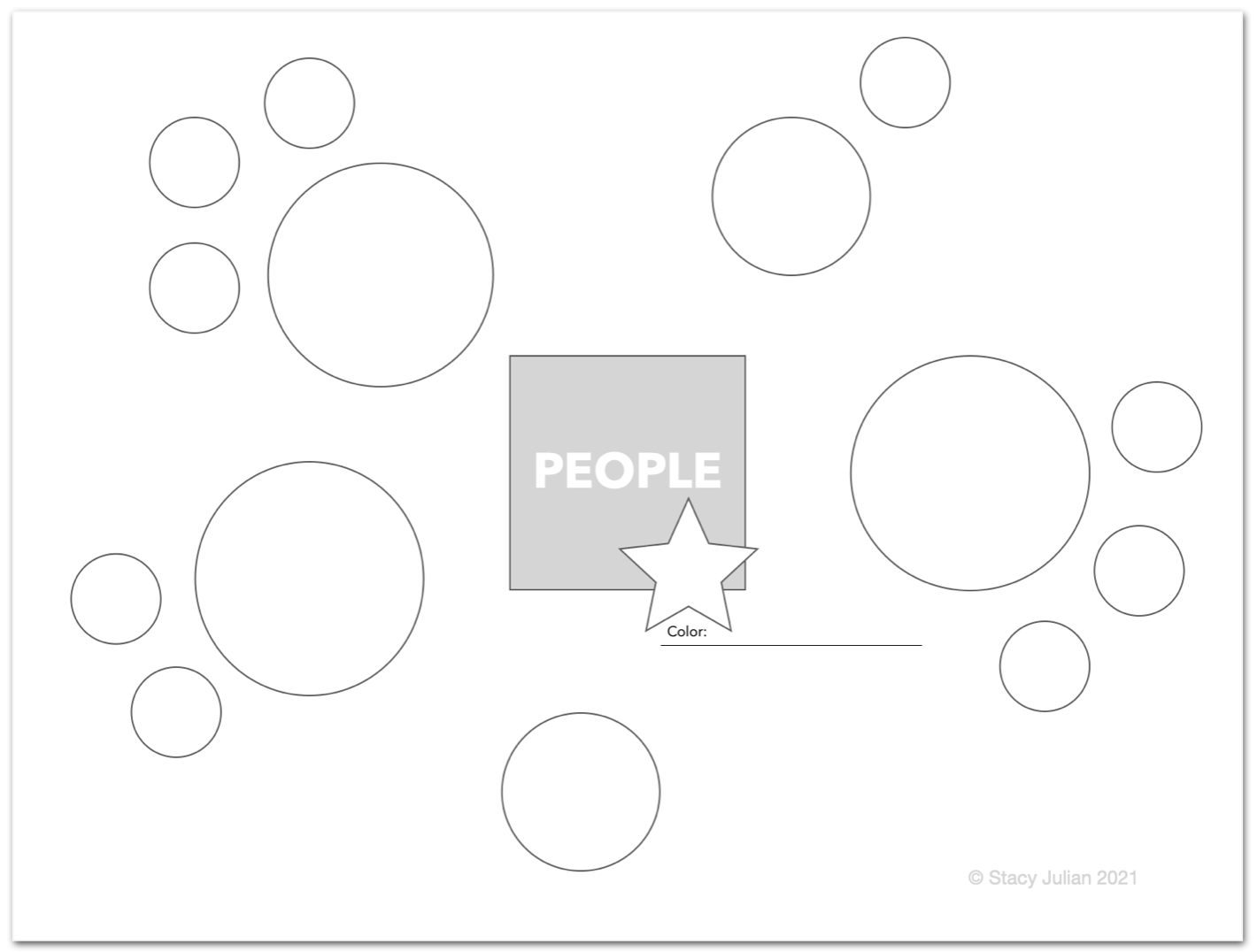
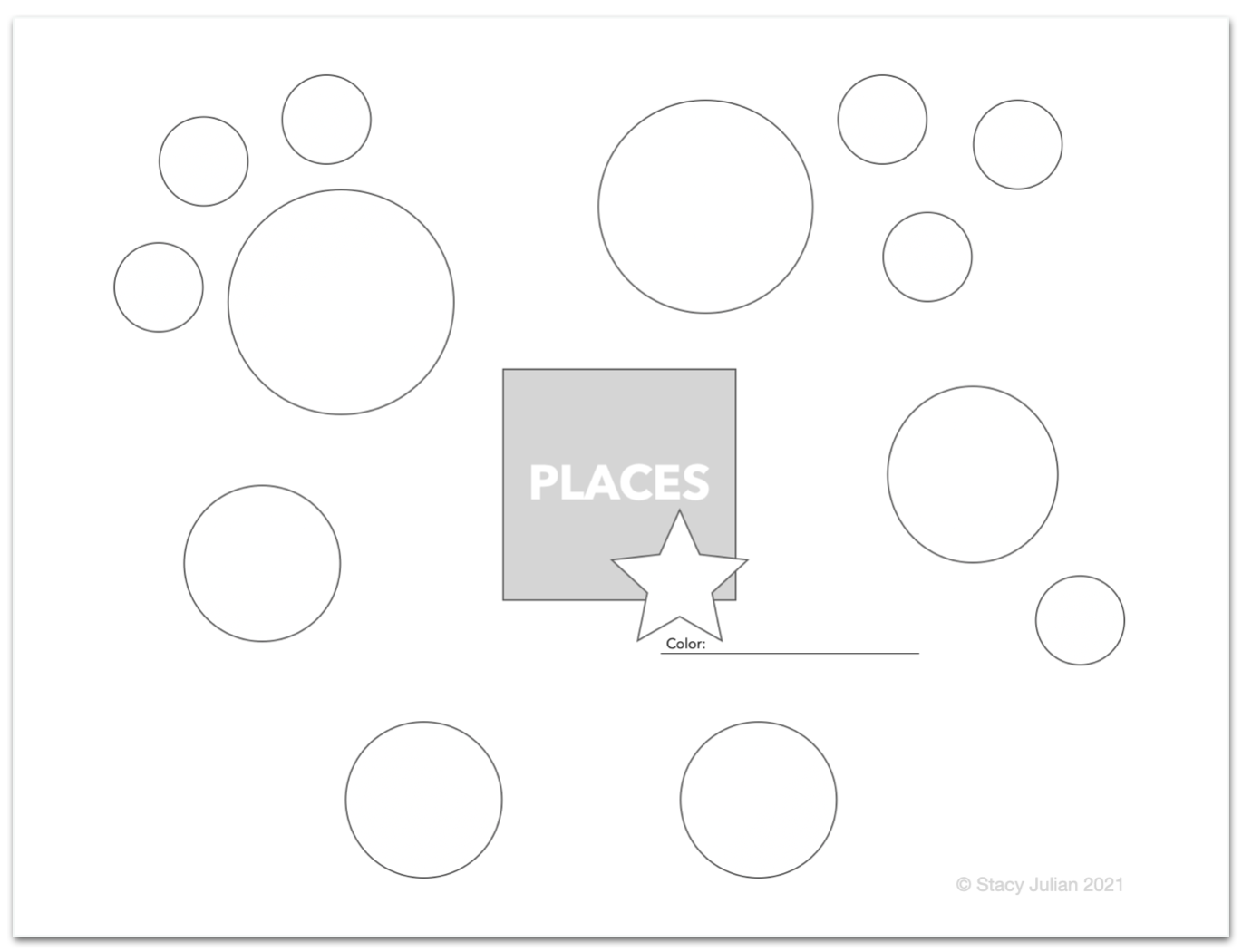
Please remember that this is not science and it’s certainly not exact.
In fact, you could just decide that this is child’s play! The voice in your head that resists or tries to convince you that you’re doing it wrong, is wrong.
You don't have to track and match up perfectly all the bits and pieces that make up your stories.
❤️ When it comes to remembering and preserving and celebrating the patterns and rituals that make YOU and your life unique, close is definitely good enough!