Workflow (part 1)
Bravo!
You came back. This is a great sign that you’re committed to this process. Congratulations on the progress you’ve made so far—even if you don’t think it’s much. Every bite (think 🐘) and every step (think🚶🏽♀️) makes a difference, so keep at it.
Good News. It is workflow week! This week we begin working with some of our images—to prepare them and us—for a robust and customized checklist of tasks that is at the heart of a Library of Memories system.
This process will take several weeks, so keep that patience hat on and start by watching this …
➡️ Week 3 Tasks
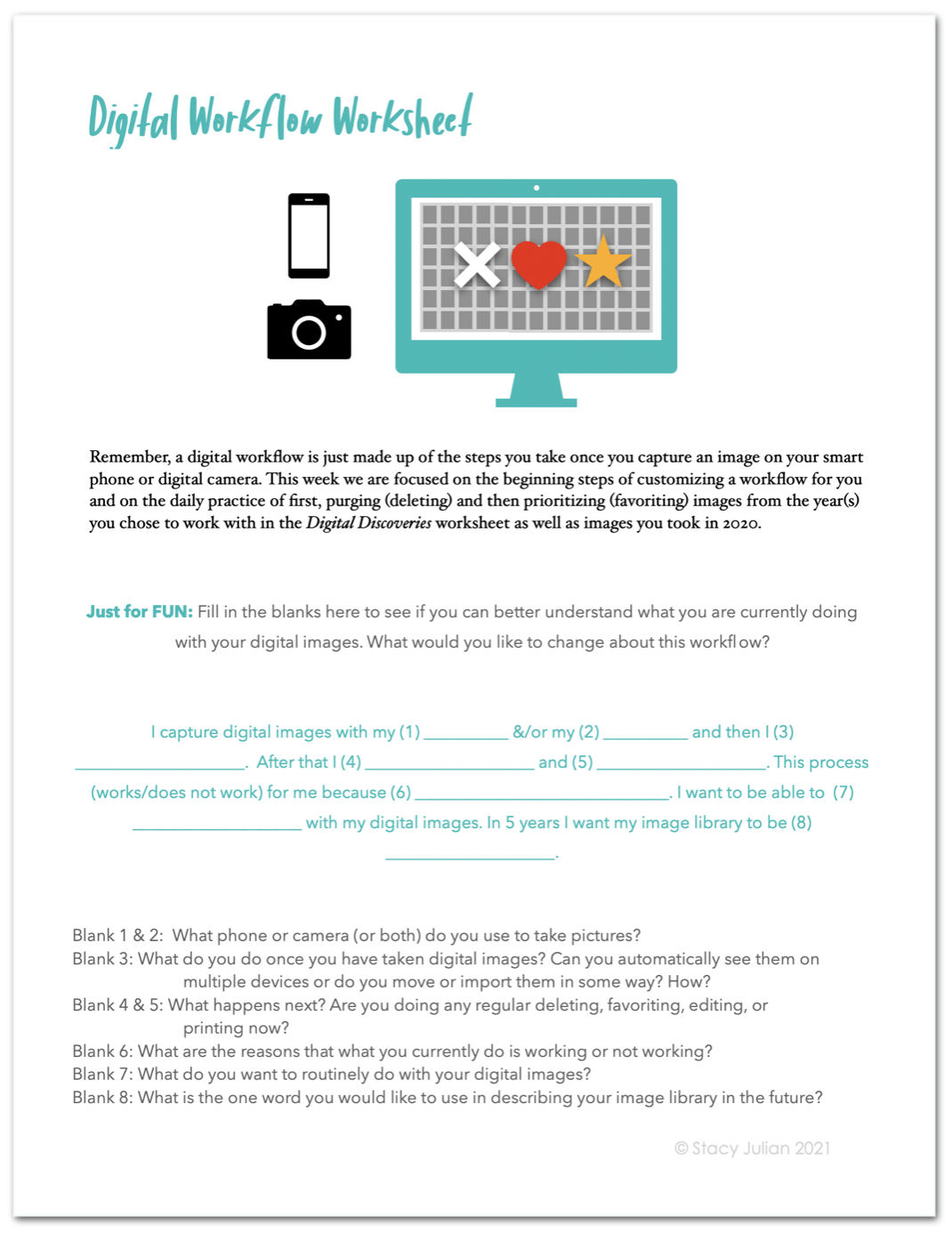
Purge (delete) unwanted digital images in your library from at least one past year and also from the year 2020.
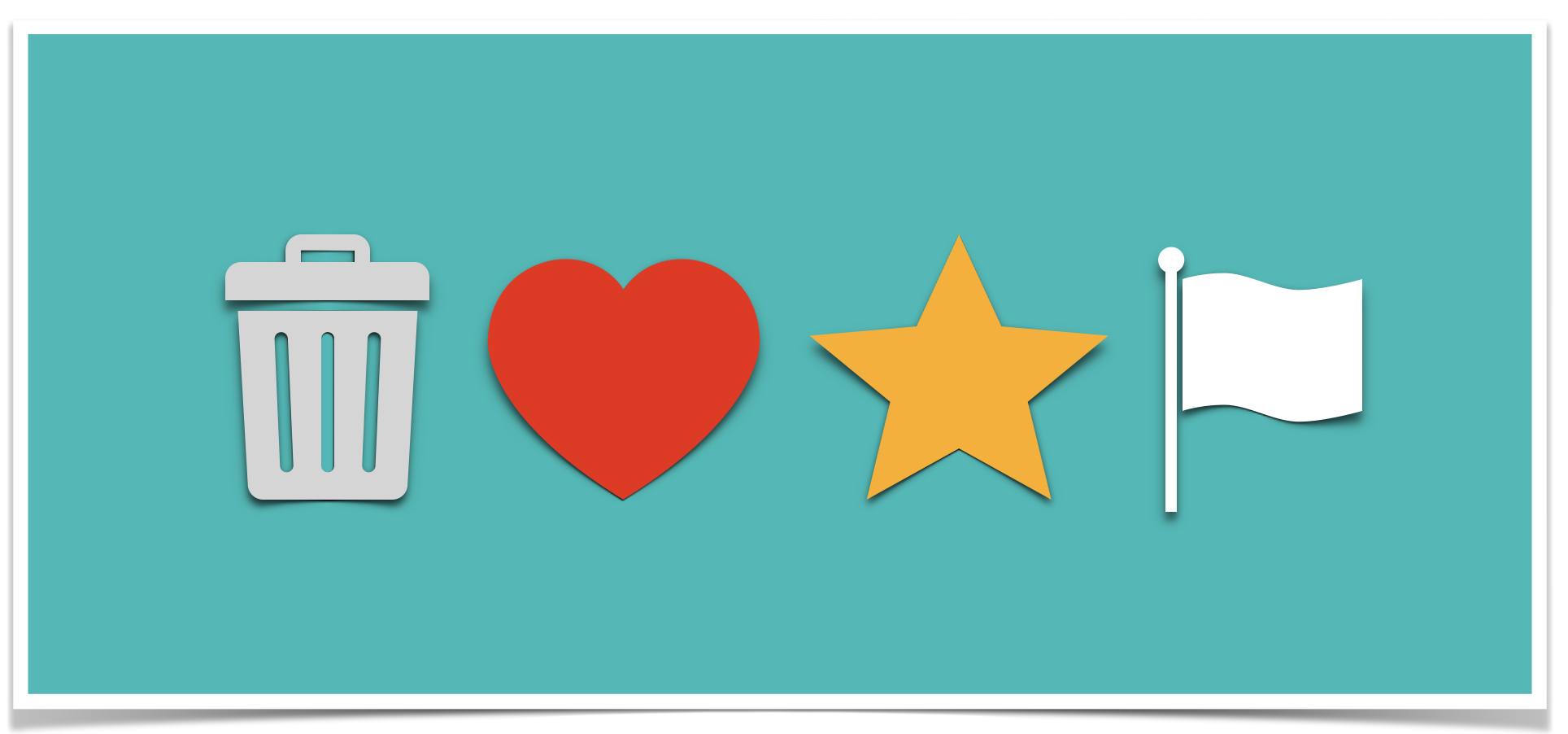
Prioritize (favorite) images you want to SEE most often from this same past year and also from all images taken in 2020.
Make a scrapbook page or document a story. Select printed photos from those you have recently sorted and designated as 3-star prints, to use on a scrapbook page. If you do not scrapbook, write a story and select one or more of your prints as illustrations.
“Between the little things we will not do and the big things we cannot do, lies the danger that we will do nothing. ”
🗑 Purging
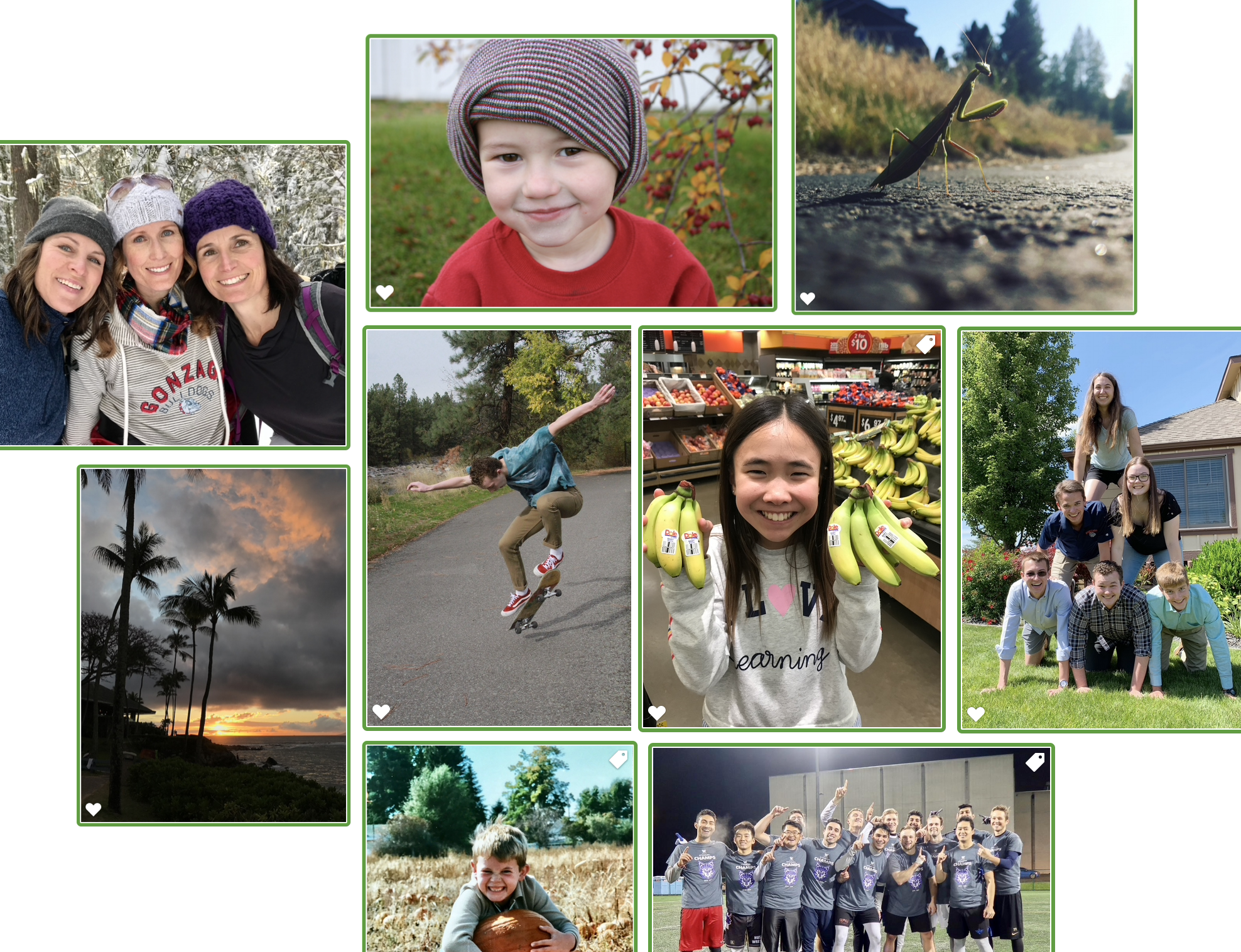
Purging is deleting. Remember that learning to let go also means recognizing what you want to keep. I love the ease of mobile photography (I really do) but because it is so easy we are less connected than ever to both the intention behind our photos and the results. Much of the time, we snap an image and then never look at it again—and yet, we assign great value to these images. Imagine a pesky thief who sneaks in at night and steals all the pictures you took last June. When you discover this dastardly deed, you’re shocked and angry. Then you come face-to-face with the culprit. She says, “I’ll give you back ALL of the photos you remember taking! Describe them to me and I’ll return them.”
Would you get any pictures back?
Let’s spend time this week with past pictures. Let’s learn more about what we photograph, so we can decide which images we really need to keep—and would want to get back!
❤️⭐️ Prioritizing
The first step in prioritizing our pictures is learning to purposefully use a favoriting tool. Depending on the application you use, you have the ability to add a heart or a star—or “pick” an image with a flag. It doesn’t matter how you do it, the important thing is to know why you do it. What is your criteria for selecting favorite images? Many of us do not know. And favoriting is one of the most powerful actions we can take with our digital images! Favoriting will help us FIND what we’re looking for, so that we can take additional action to keep our BEST images close and pair those pictures with the memories that make them truly valuable.
⏰ Make the TIME
The reason we don’t have time is because we don’t know what to do with the time we have. Whenever you have 5, 10 or 15 minutes this week, set a timer and focus first on deleting and then on favoriting. You’ll be surprised how LONG 15 minutes feels when you’re racing the clock and you’ll be even more surprised at what you can accomplish with minutes just a few times each day. As you begin to make progress with your images, loop back around to those “prints in waiting” and continue to purge and prioritize those as well.
The more familiar we become with what we have, the more inspiration we will experience for stories we want to tell. And, speaking of stories … I’m giving you the chance to take a break and tell a story. When you’re tackling a marathon project like we are this year, it’s wise to take frequent storytelling breaks, so you can refresh your resolve and remember WHAT it is you really want to do with everything you’ve been saving.
Printable Handouts 🖨
✳️ Life is so FULL of moments we want to love and remember and share. Do the work this week and you’ll gain greater access to these moments!!