Prints, Images & Technology
There are so many wonderful ways to live with our photos and share our lives. Digital technology is advancing our storytelling craft in ways that family members a generation ago could not have imagined. It is so exciting that we can take advantage of amazing digital applications to help us use both prints and images in compelling ways …
Welcome to Week Two! We are going to begin efforts that will allow us to find and use our best printed photos and stop endlessly scrolling on our smart phones. Start with this video!
➡️ Week 2 Tasks:
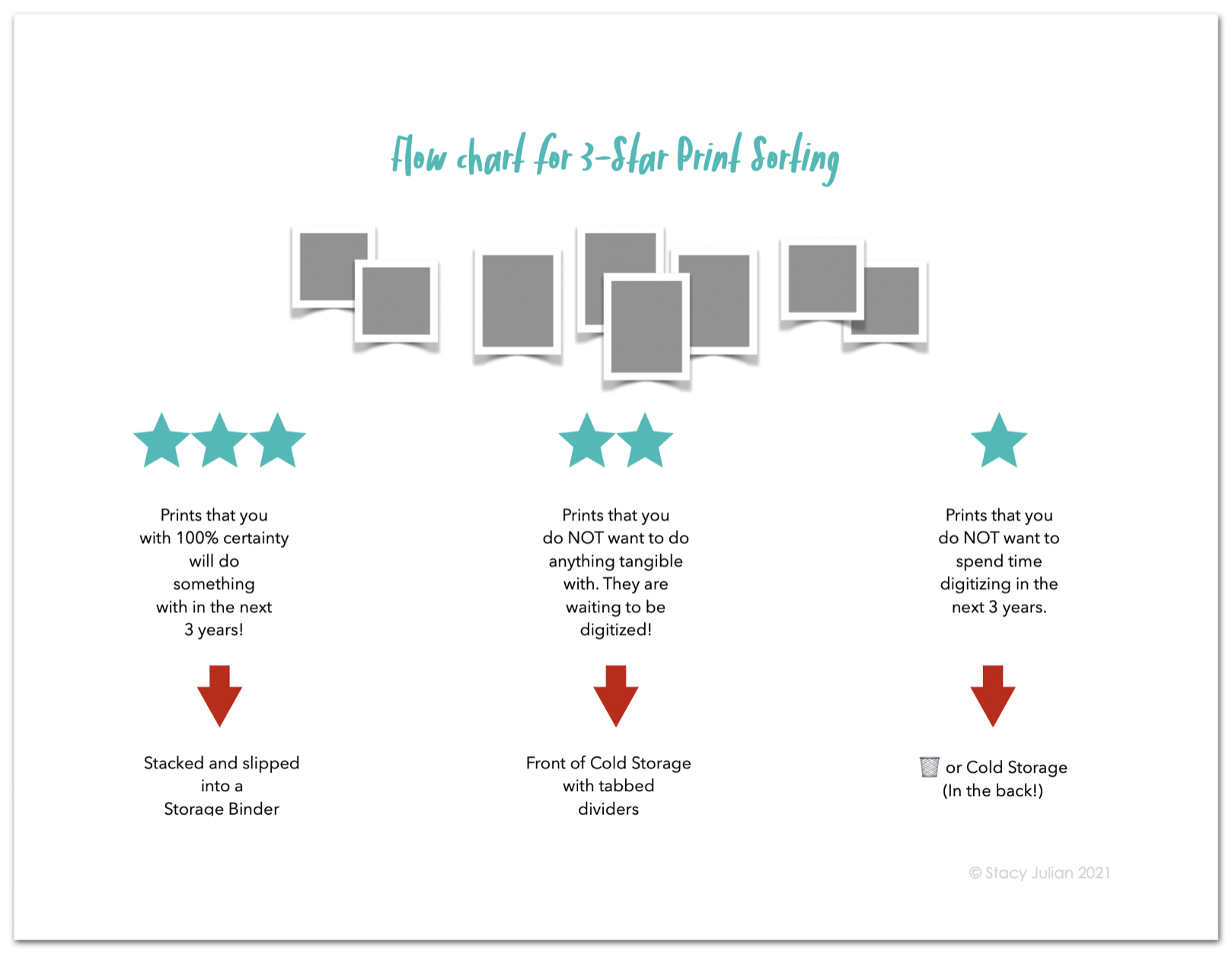
Begin sorting, purging and prioritizing any printed photos you have. Isolate 1, 2 or 3 years to work with moving forward.
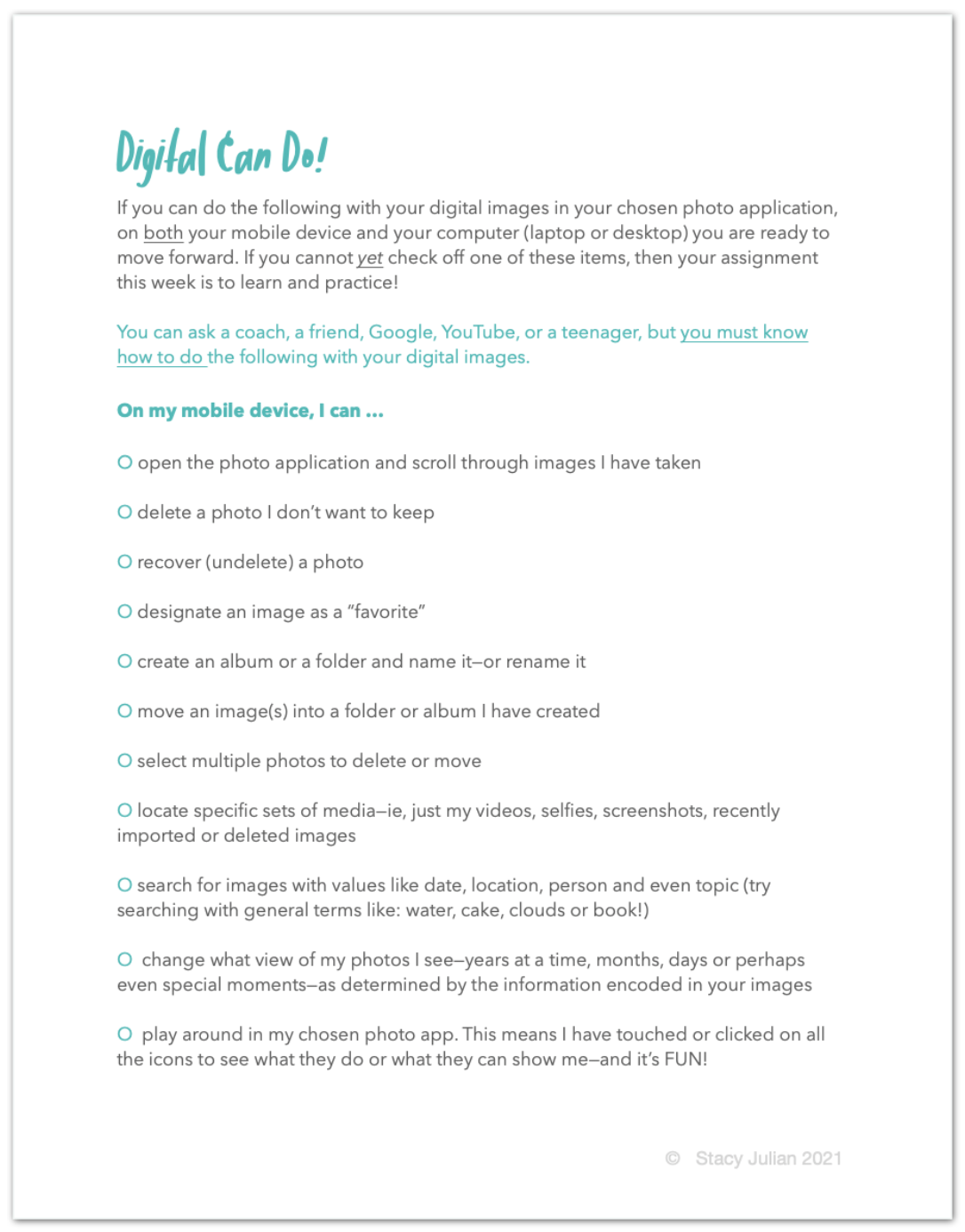
Play around with images on your smart phone and test your skills and your awareness of your current library with two digital worksheets.
Decide which technology is right for you. If you haven’t already, commit to a software/application that you will use to manage your images.
“Life is too short to find yourself in charge of the wrong details. ”
Prints 📸
I KNOW as you give your collection printed photos some structure (which requires both purging and prioritizing) you will be liberated to focus on the stories that matter most to you. That is really what this class is about. Please remember this: Used as a verb the word purge means to become more pure. Purging your pictures (yes this means the circular file 🗑) helps you to feel better, lighter, and more energized. You deserve that! The fewer pictures you have (weighing you down) the more you can be in control of what you do have—the more clearly you can see your potential for adding priceless perspective and telling a meaningful story.
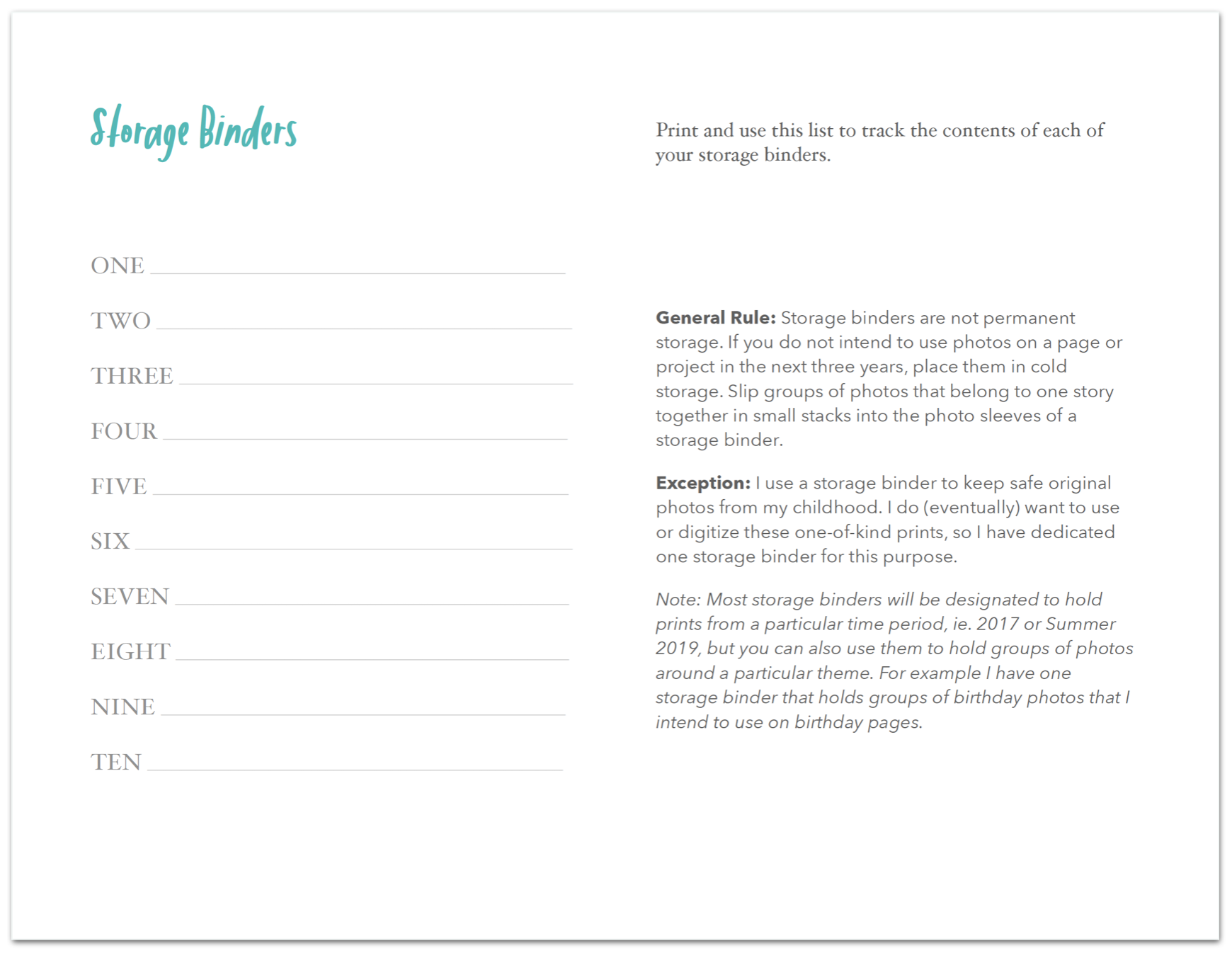
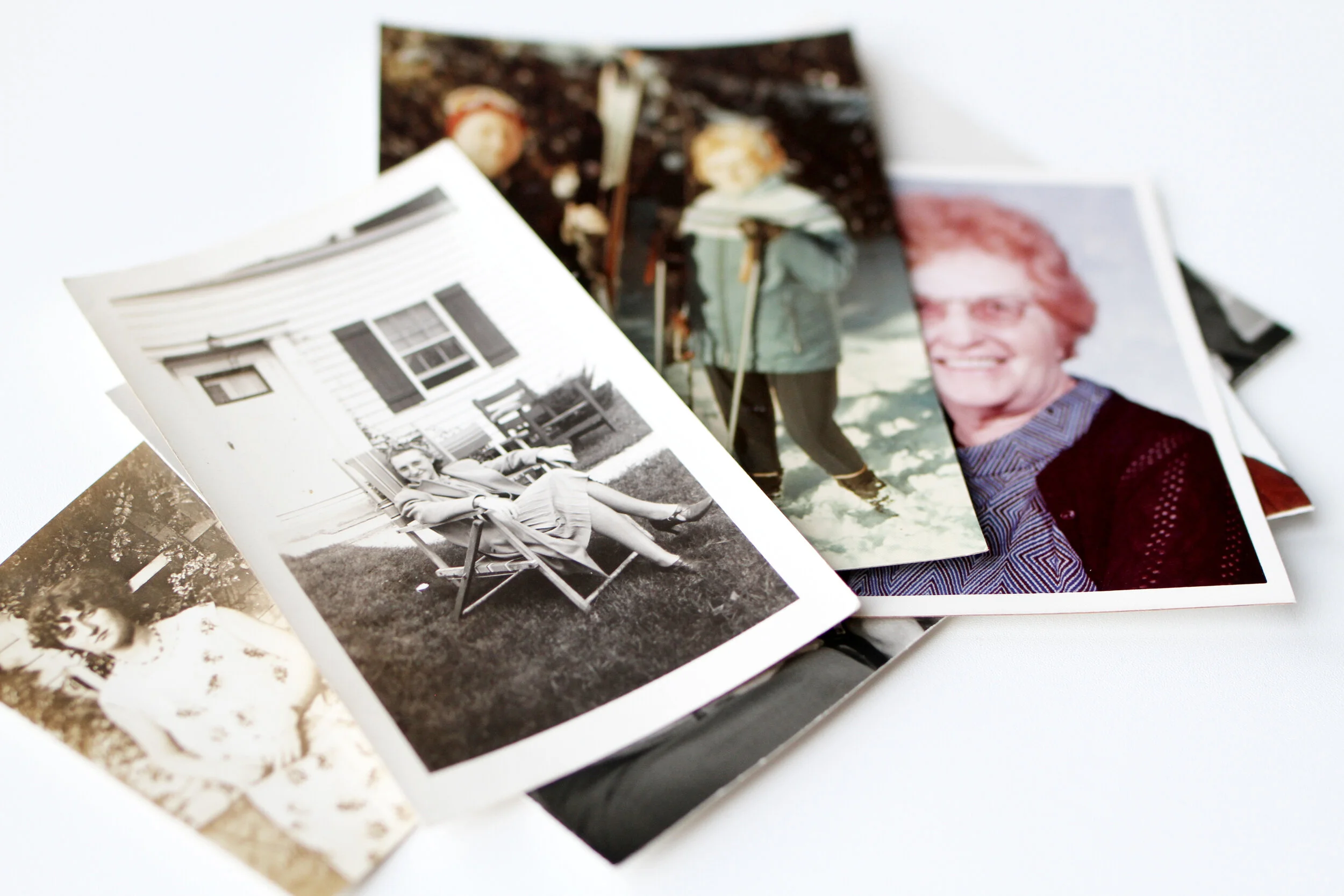
Let’s create some high-level order with our prints this week. And when I say prints, I mean printed photos developed from film AS WELL AS photos we have printed from digital files—some of us have large quantities of both sets. We’ll first coral them into decades, then sort them into years and finally select a few years to begin purging and prioritizing. Once we 100% know which printed photos we want to USE in the next three years, we’ll move them to dynamic, temporary storage and sort the remaining keepers into piles for scanning and forgetting—don’t worry, this is spelled out in the Preparing Prints Preparing
NOTE: All of the handouts that I mention in the video this week are shown and linked at the bottom on this post.
Images 📲
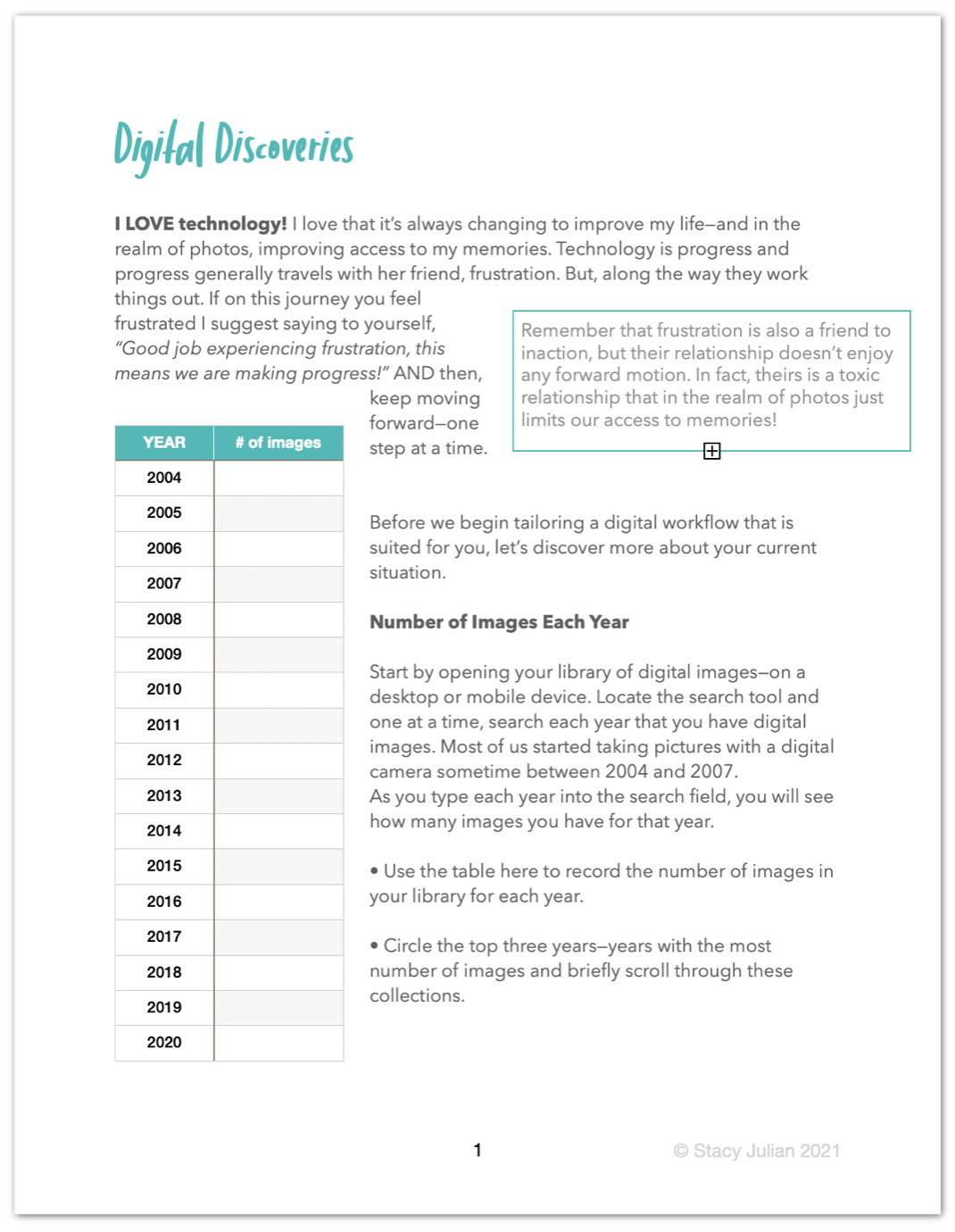
Our goal with images this week is to become better acquainted with photo management features on our smart phones and computers. I’ve prepared two worksheets for you, the Digital Can Do designed to test your skills and the Digital Discoveries to help you select a year or two of images to move forward with in the next several weeks. As you continue to spend time with images on your devices and computers, feel free to delete like crazy, but DO NOT designate any images as favorites—not yet—that comes next week when we dive into workflow. Trust me on this. We all have a strong tendency to “over favorite” photos and that does not end up serving us well.
Technology 🖥
Success in this class has as much to do with your mental preparation as your physical preparation. How you think about technology and pictures and related management tasks is incredibly important. The freedom that I will invite you to create in 2021 actually has very little to do with the devices or computers you use or the programs you run on those tools.
Please remember this. You can build and maintain a successful Library of Memories system with a variety of tools and applications. It’s not what you use, but how you use it!
I will not be telling you specifically which technology to use. I will tell you that you are 100% capable of making this decision for yourself and your family and I will also tell you that it is now 😆 Go Time. This means that you need to make a decision this week. Do some research, ask questions and then make your choice. There will be pros and cons regardless of what you choose, so decide and don’t look back!
✳️ I will recommend that if you are a hobbyist (not a professional photographer) that you keep things SIMPLE. Use native and time-honored apps and programs/services that play to your strengths and do not present you with options you are most likely NOT going to use.
Native apps:
1. Google Photos for Android devices
Google is synonymous with search and Google Photos is top notch for its recognition and search technology. As of June 1st this year (2021) Google will limit free storage to 15GB across your Google suite of apps (Photos, Drive and Gmail) for new users. A Google One subscription will provide ample storage, starting at $1.99 per month for 100GB
Google Photos Help
2. Photos for iOS (Apple/Mac) computers and mobile devices.
Photos comes installed on all Mac computers, iPads and iPhones and features automatic curating and syncing (with iCloud enabled) to help you see your best images on all your devices. Free storage up to 5GB can be extended with an iCloud subscription, which start at $0.99/month for 50GB
Official Apple Support for Photos
Others:
1. Adobe Lightroom Classic for Android, iOS and Windows
Adobe Lightroom Classic (LrC) consistently tops reviews for photo management tools and comes with powerful features, especially if photography is your passion and you shoot in RAW format. LrC is cross-platform and desktop based. Lightroom for mobile is a free app which you can upgrade for seamless access across all your devices. There is a steeper learning curve with LrC that many hobbyists may find overwhelming. The Creative Cloud Photography plan starts at $9.99/month for 20GB or $19.99 for 1Tb
Lightroom Classic Learn & Support
2. Forever for iOS, Windows & Android
Forever is paid, permanent, sharable photo & video storage service for your lifetime + 100 years (guaranteed with a conservatively managed trust). Forever is not a subscription, but a purchase you make for longterm, personally owned cloud storage. Their most popular plan costs $39/month for 25 GB or a one time purchase of $399.00
Forever Help Center
3. Mylio for iOS, Windows & Android
Mylio is a subscription-based application that runs on your desktop computer, laptop, and/or mobile devices and serves to gather, manage and integrate all of your photos into one convenient library. Mylio will mirror your current workflow (it copies all the organization you have already done in other programs) and is an internet file system over the world’s first mesh network. Mylio Premium is $9.99/month or $99/year
Mylio Support
Printable Handouts 🖨
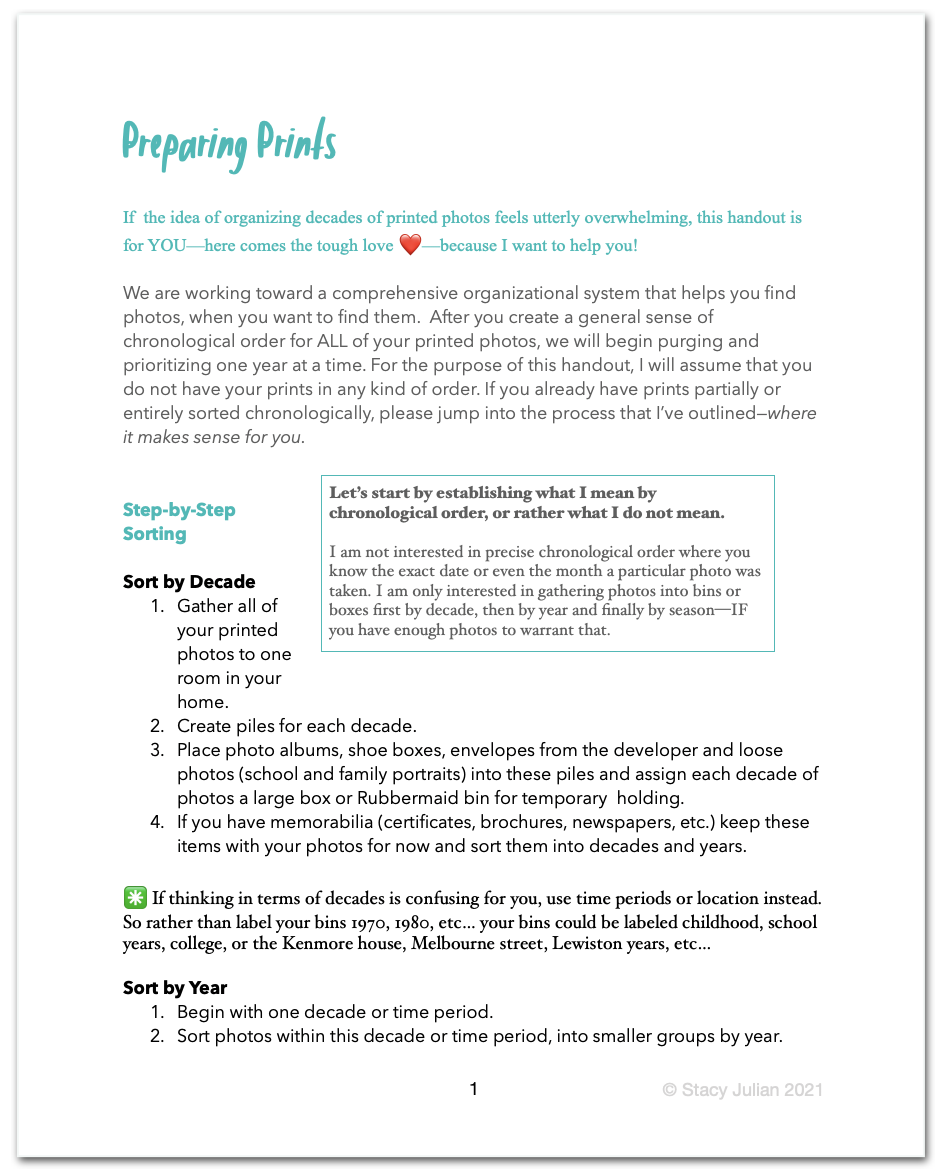
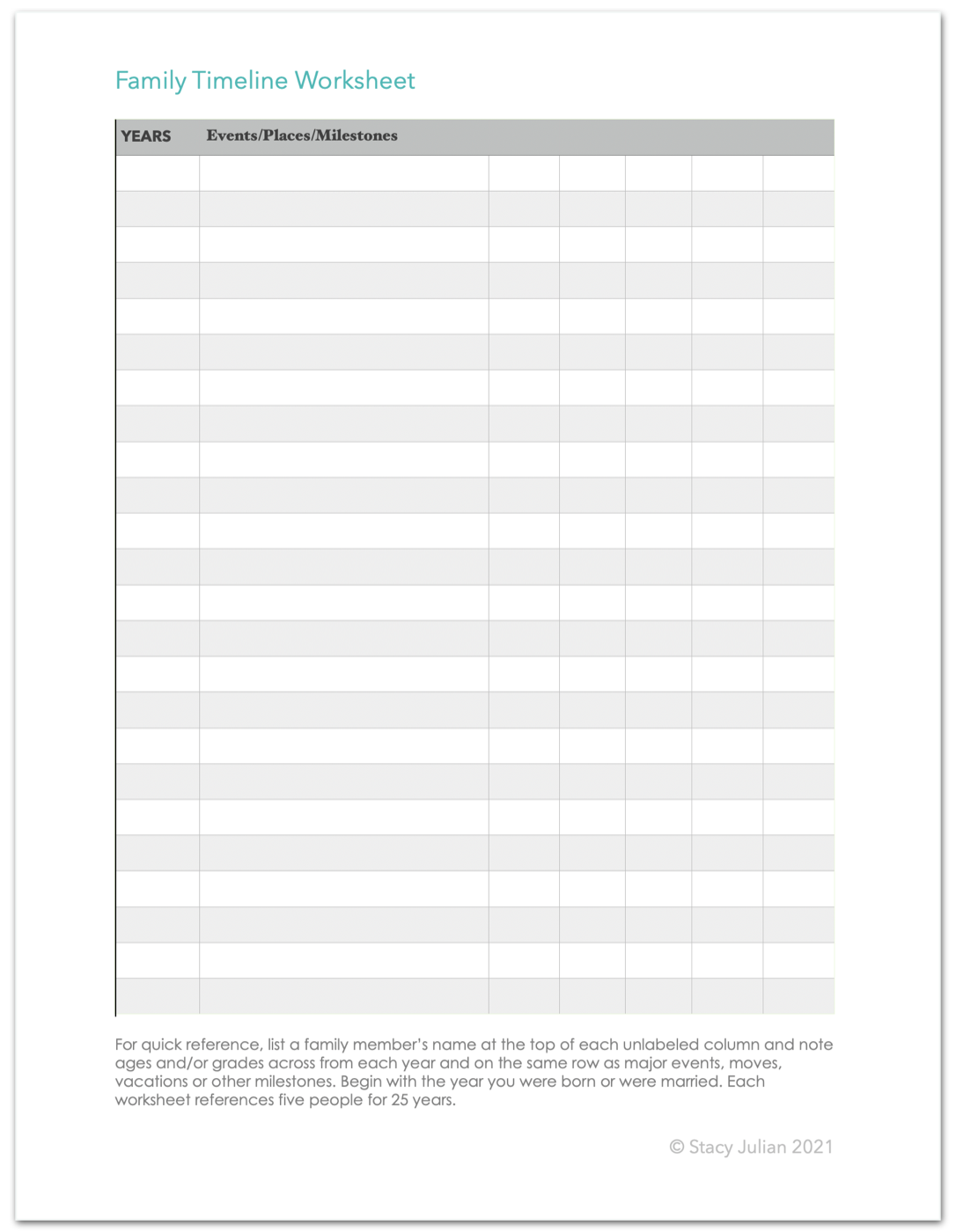
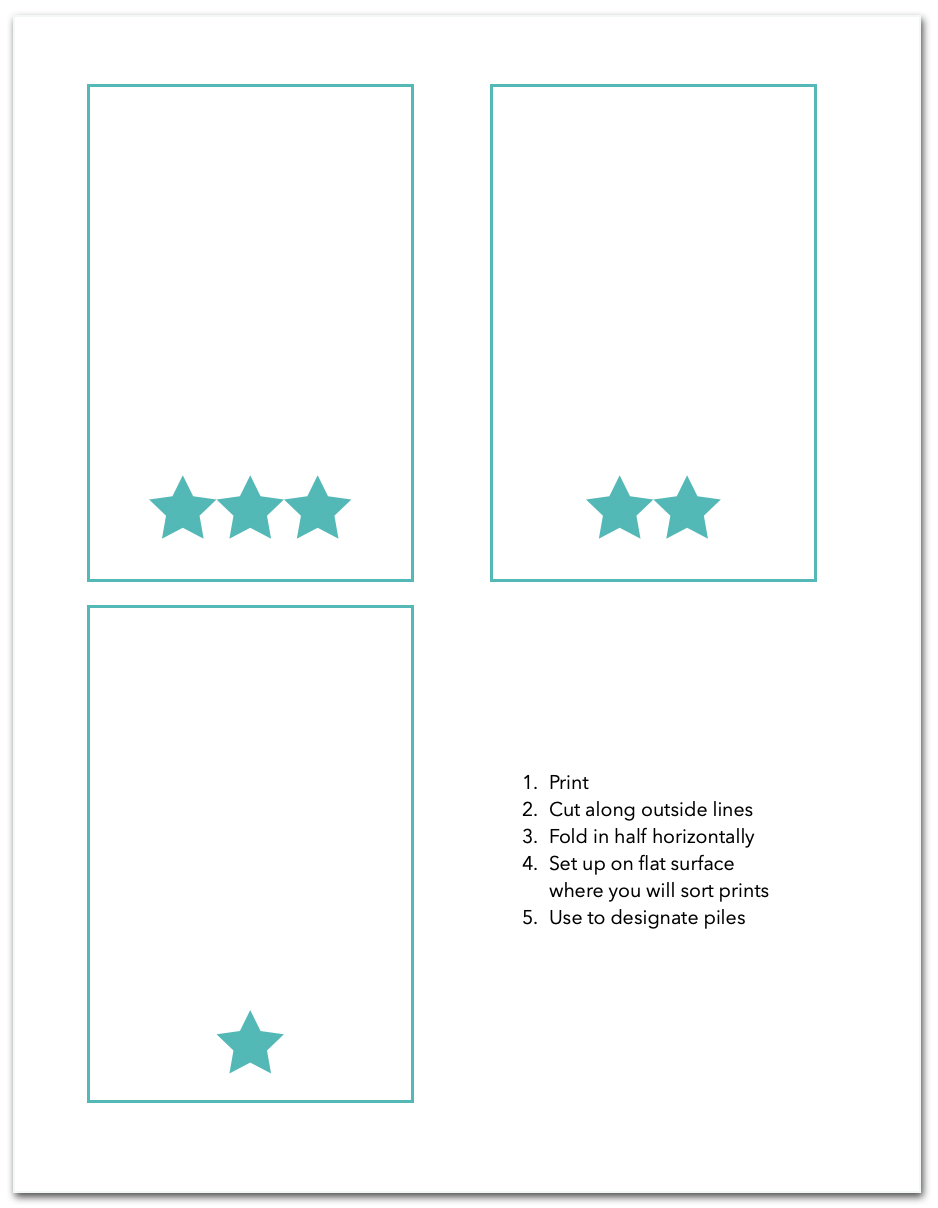
Ok. You’ve got this!
Begin by setting an EQ for each task as it applies to your individual circumstances and your life this week, and then take it step-by-step. Work in 15-minute chunks if that is all you have. Direction is far more important than speed. I am ready for your questions and I’m looking forward to our Week 2 LIVE session on Tuesday, January 26th at 3:00PM Pacific. Use the weekly report to leave me specific talking points.
Remember … this is FUN!