Extra! Extra!
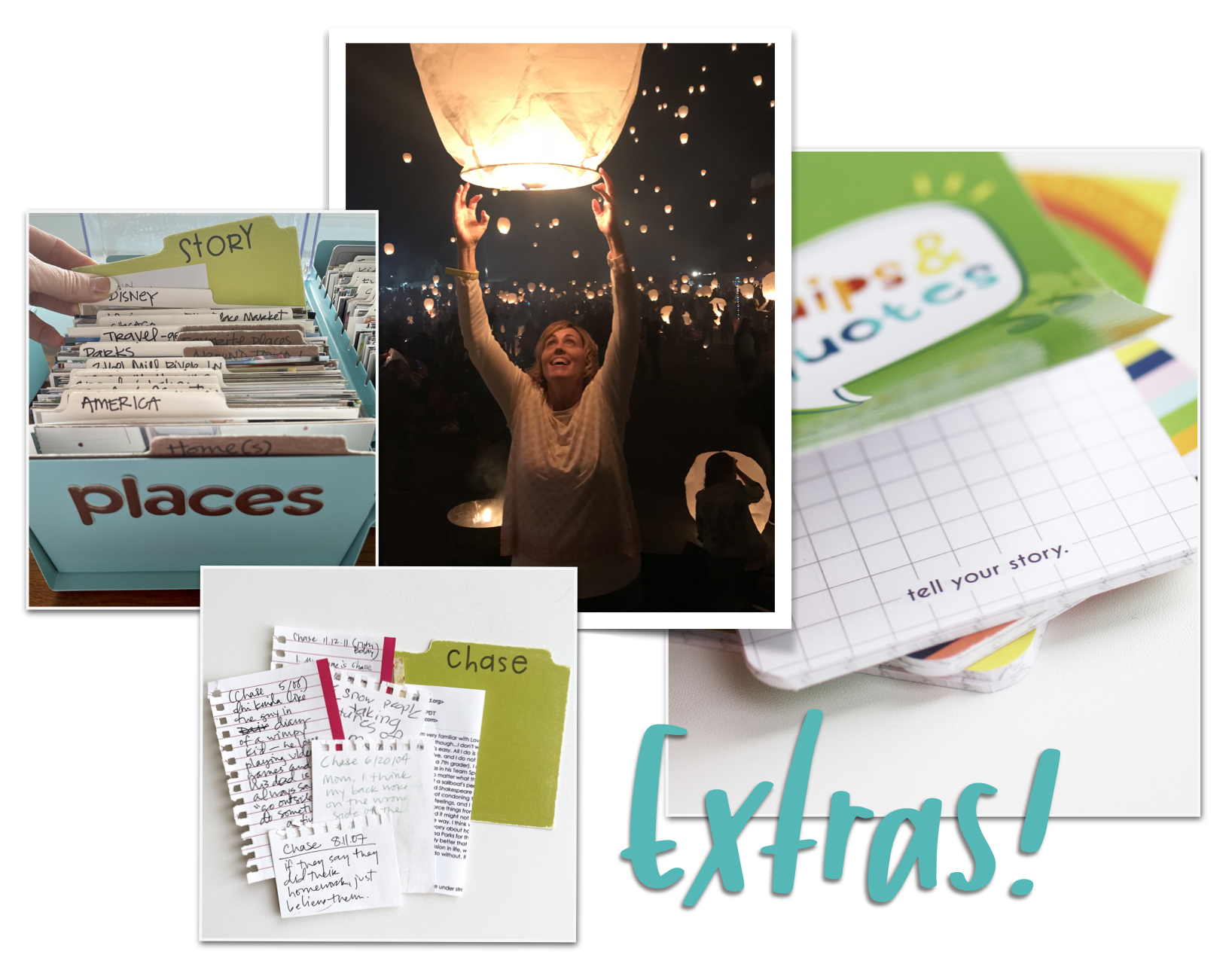
Extras in a Library of Memories system are non-essential tools and solutions that are added over time to enable YOU to do more of what you want to do. Today I introduce you to *six extras invented and designed to help me better manage, store, organize and use photos and words. I’ve outlined these in the handout and I show you how I use them in the video.
Cold Storage
ABC File
Square Punch Picture Drawers
Writer’s Notebooks
Family Words File
Story Cards
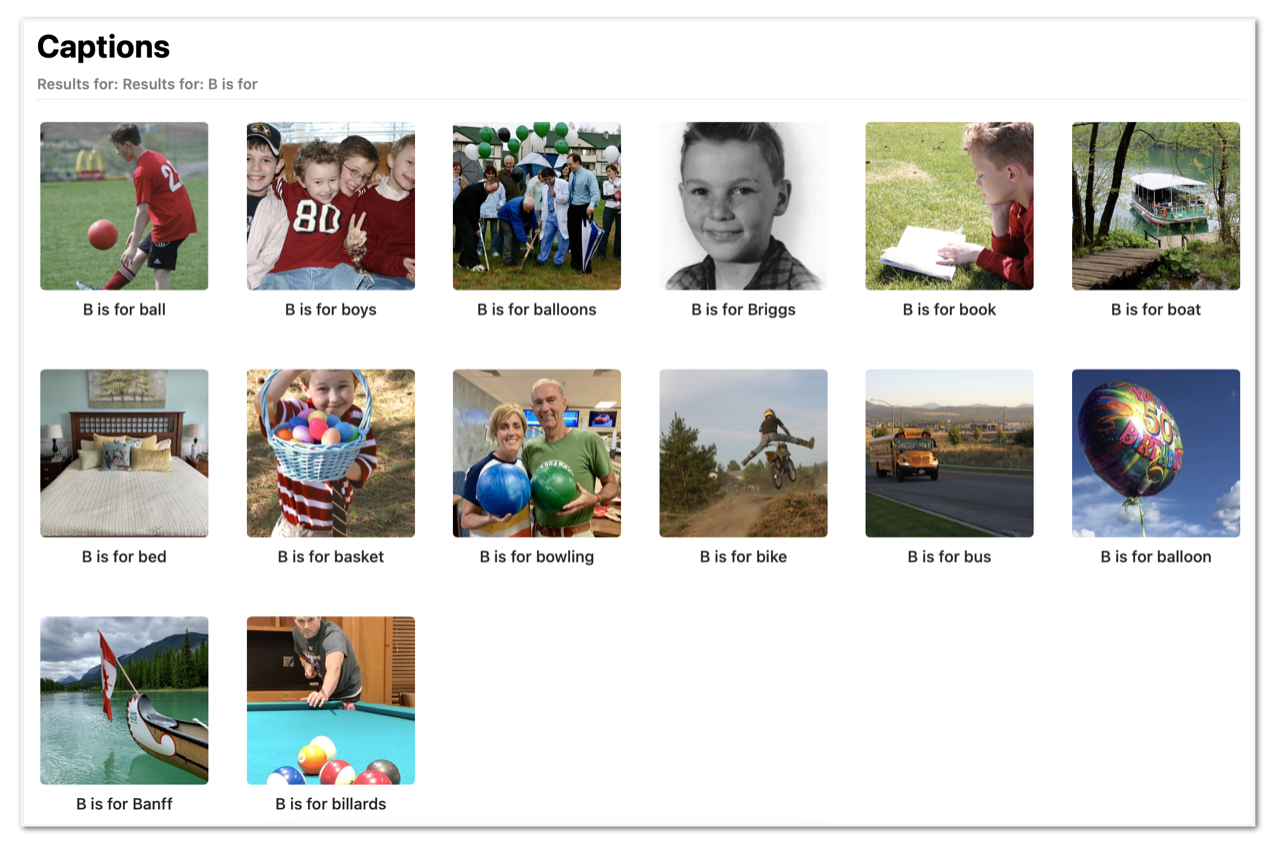
😎💄 Think of Extras for your Library of Memories like accessories—a cool pair of sunglasses or some really great red lipstick—those things don't change who you are, but they may help YOU access your most confident and creative self. Aside from pre-punched prints, all of these extras have a digital application or equivalent. Depending on your comfort with and desire to use technology, you’ll want to consider these adaptations. For example, you can easily create an ABC File in your image library by alphabetizing topics in your caption line. We’ll talk much more about this and other options in coming days and weeks!
* Remember that you have a Library of Memories glossary that may help you remember and keep straight all the parts and pieces that make up this system 😀
“If necessity is the mother of invention, discontent is the father of progress. ”
One entry in my Stories I Love, Vol. 1 (click to enlarge)
BONUS: Stories I LOVE ❤️
One of your tasks this week is to create a keyword or set up a physical file—or both—where you can tag and/or collect photos you REALLY LOVE. These are the photos that if something actually did happen to your photos you would never forget, the ones you would miss the most. These are the photos that when you see them they stop you in your tracks and elicit a long drawn out sigh! The keyword I use is X_PILOVE and right now there are 64 photos in my library of 63,285 images that are tagged with this keyword. You don’t even have to do hard math to realize that only 1% of my images are worthy of this designation. What I’m trying to say is be very stingy with your chosen keyword—and then decide how you will honor each of these photos. For sure they can show up on other pages, but I think they also deserve a space and story all their own!
If you are new to the concept of Stories I Love, I invite you to explore these resources:
Printable Handout 🖨
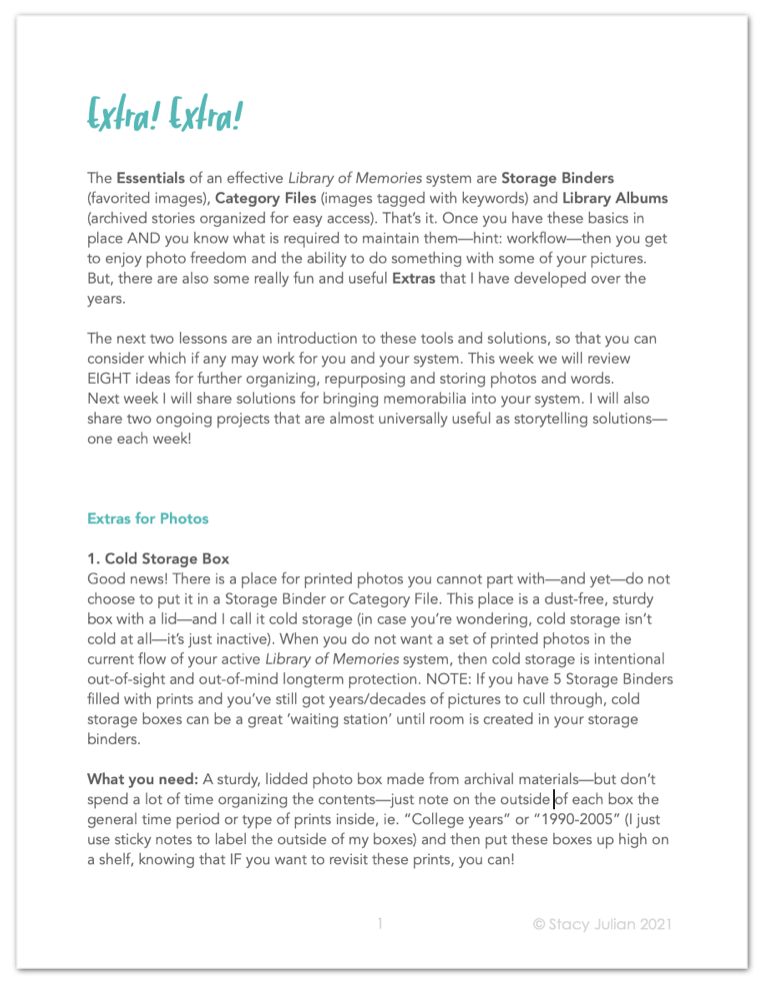
My advice: Read this handout with LOTS of curiosity—especially if this is the first time you’ve set up a Library of Memories system—because this week is rather like looking at the graduate classes in a course catalog when as a freshman in college you just declared your major. It’s FUN to imagine future destinations with anticipation as long as you don’t expect to get there right away.
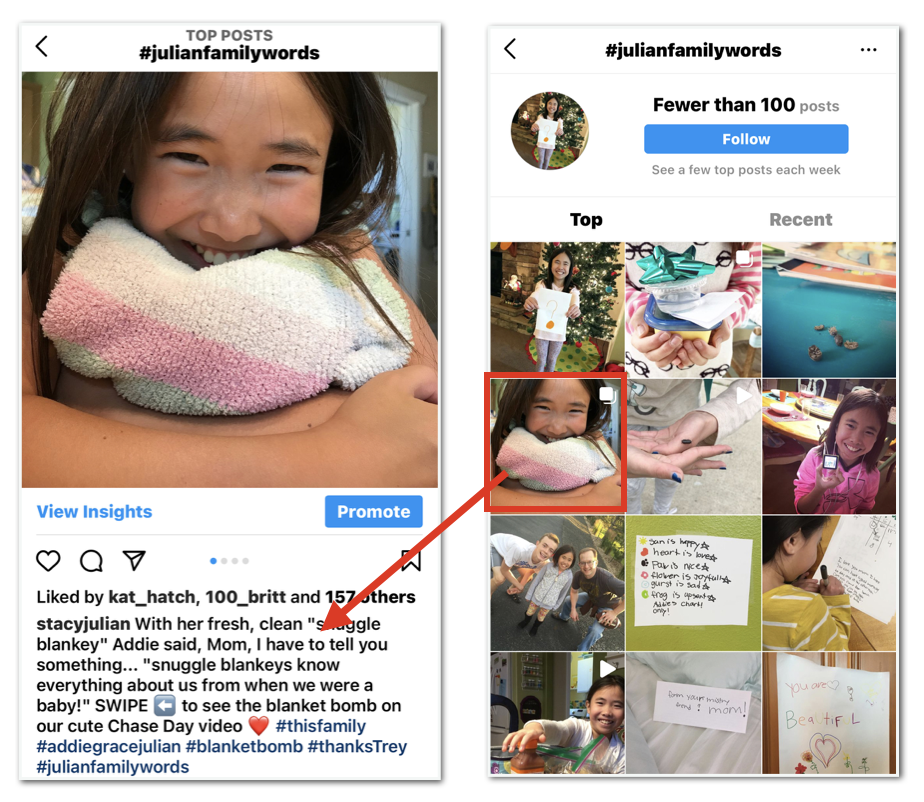
If you’re already sharing family moments on Instagram, all you have to do is add a unique hashtag to your posts to use your feed as a digital Family Words File.
It just keeps getting better AND I’m so glad YOU are along for the ride!