|
August Wednesday Workflow ͏ ͏ ͏ ͏ ͏ ͏ ͏ ͏ ͏ ͏ ͏ ͏ ͏ ͏ ͏ ͏ ͏ ͏ ͏ ͏ ͏ ͏ ͏ ͏ ͏ ͏ ͏ ͏ ͏ ͏ ͏ ͏ ͏ ͏ ͏ ͏ ͏ ͏ ͏ ͏ ͏ ͏ ͏ ͏ ͏ ͏ ͏ ͏ ͏ ͏ ͏ ͏ ͏ ͏ ͏ ͏ ͏ ͏ ͏ ͏ ͏ ͏ ͏ ͏ ͏ ͏ ͏ ͏ ͏ ͏ ͏ ͏ ͏ ͏ ͏ ͏ ͏ ͏ ͏ ͏ ͏ ͏ ͏ ͏ ͏ ͏ ͏ ͏ ͏ ͏ ͏ ͏ ͏ ͏ ͏ ͏ ͏ ͏ ͏ ͏ ͏ ͏ ͏ ͏ ͏ ͏ ͏ ͏ ͏ ͏ ͏ ͏ ͏ ͏ ͏ ͏ ͏ ͏ ͏ ͏ ͏ ͏ ͏ ͏ ͏ ͏ ͏ ͏ ͏ ͏ ͏ ͏ ͏ ͏ ͏ ͏ ͏ ͏ ͏ ͏ ͏ ͏ ͏ ͏ ͏ ͏ ͏ ͏ ͏ ͏ ͏ ͏ ͏ ͏ ͏ ͏ ͏ ͏ ͏ ͏ ͏ ͏ ͏ ͏ ͏ ͏ ͏ ͏ ͏ ͏ ͏ ͏ ͏ ͏ ͏ ͏ ͏ ͏ ͏ ͏ ͏ ͏ ͏ ͏ ͏ ͏ ͏ ͏ ͏ ͏ ͏ ͏ ͏ ͏ ͏ ͏ ͏ ͏ ͏ ͏ ͏ ͏ ͏ ͏ ͏ ͏ ͏ ͏ ͏ ͏ ͏ ͏ ͏ ͏ ͏ ͏ ͏ ͏ ͏ ͏ ͏ ͏ ͏ ͏ ͏ ͏ ͏ ͏ ͏ ͏ ͏ ͏ ͏ ͏ ͏ ͏ ͏ ͏ ͏ ͏ ͏ ͏ ͏ ͏ ͏ ͏ ͏ ͏ ͏ ͏ ͏ ͏ ͏ ͏ ͏
WORKFLOW WEDNESDAY
August 2022
|
|
Each month in Live Your Story, we talk about photos – creating and maintaining a digital workflow, scrapbooking, sharing, displaying and living with our photos. But what about the videos we’ve captured? During Workflow Wednesday, Stacy shared a basic Video Workflow to help us find, review, purge, caption, and edit the digital videos we have on our phones and/or computers. This workflow is designed to help us become familiar with the digital videos we currently have in our library and to determine how we want to use them and/or what projects we might want to create with them.
|
Five Step Video ✅ Workflow
|
|
1. FIND
Most smartphones and photo management software programs automatically create folders for different types of media, which makes it easy to find our videos. Stacy demonstrated on an iPhone: click on Albums, then scroll down to Media Types to see the number of videos you have. She showed the same process using Photos on her Mac. In Google Photos, go to Explore, then Categories, or simply search for “video.” Just as with photos, we can favorite videos in order to find them more easily. 2. IMPORT
Stacy will be addressing how to import and include videos not currently in your photo/video library and those in older formats (VHS, DVD, etc) in a later month as she continues to work with and refine this Video Workflow process. 3. REVIEW & DELETE
Just as we do with our photos, we need to review our videos and delete those that we do not need or want. Stacy recommends watching videos 15 minutes at a time and deciding whether to keep (and favorite) or delete each one. 4. CAPTION
Quickly add a caption/description to a video as you watch through them. This process should be the same as for a photo and depends on your phone or photo management software. On an iPhone, scroll up to reveal the caption space and type in a brief description. (Ex: Addie jumping out of a box.) Adding captions to video clips is important because scrolling back we won’t remember all that happens in a video clip—even if it’s just 30 seconds long. Adding a short description of the clip’s content is a time-saver down the road. 5. ALBUMS/PROJECTS
Create Albums or Folders to curate collections of videos for projects you’d like to create and stories you want to tell with your videos. Stacy is currently curating an album titled “Addielicious” that holds cute video clips of Addie through the years. Most of her video Albums focus on personality montages like “Boys Will Be Boys” and “Life with Trey.” NOTE
Stacy recommends creating a “Videos to Edit” folder for videos that need to be shortened or edited in some way. Instead of stopping during the Review & Delete process, come back to these videos and do the editing at a later time. Once a video is edited, you can save it as a new file or simply save it over the original file depending on your preference. The videos can then be added to a Project Album.
|
|
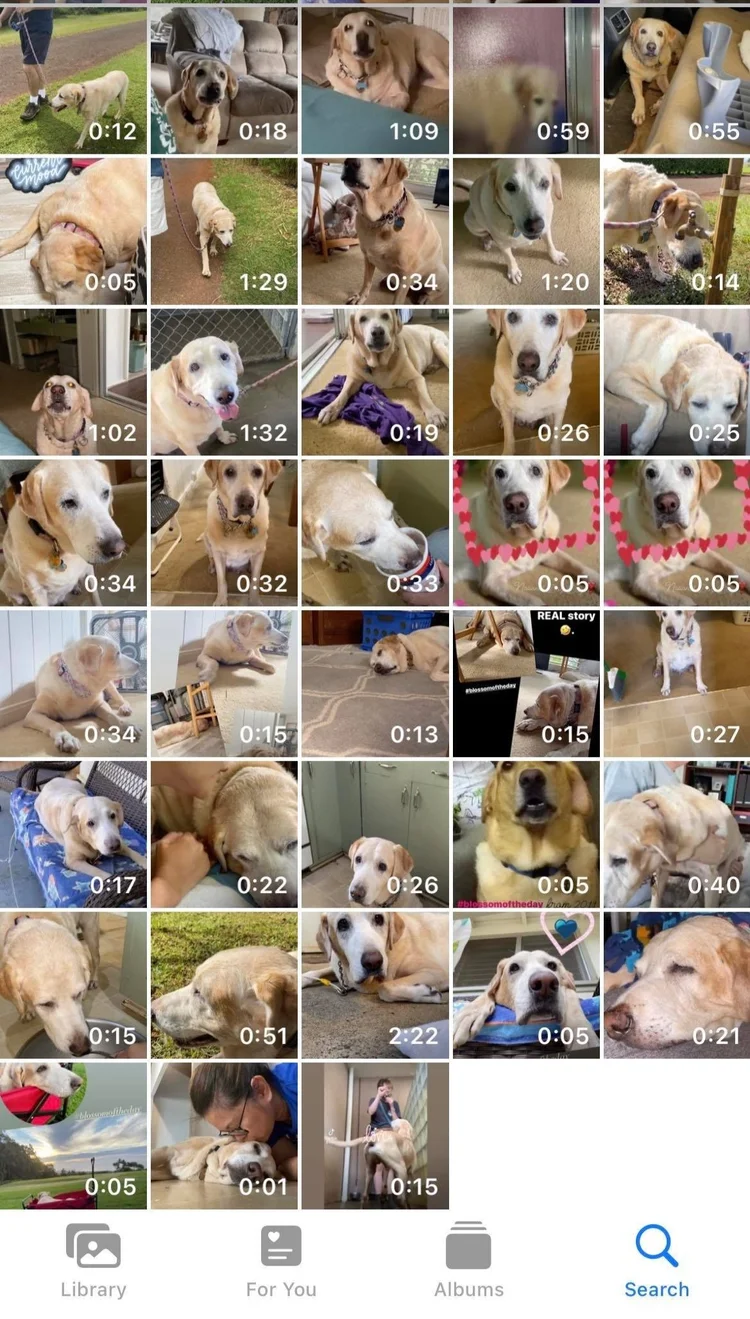
Julyn Morvis found 2,311 videos on her iPhone. A lot of the videos are for her social channels, but 163 of them are of Blossom (pictured here), who passed away in November. Julyn is (understandably) having trouble deleting any of those videos. She’s excited to begin using Stacy’s Video Workflow, especially using the tip to go through all the videos WITHOUT stopping to edit.
|
|
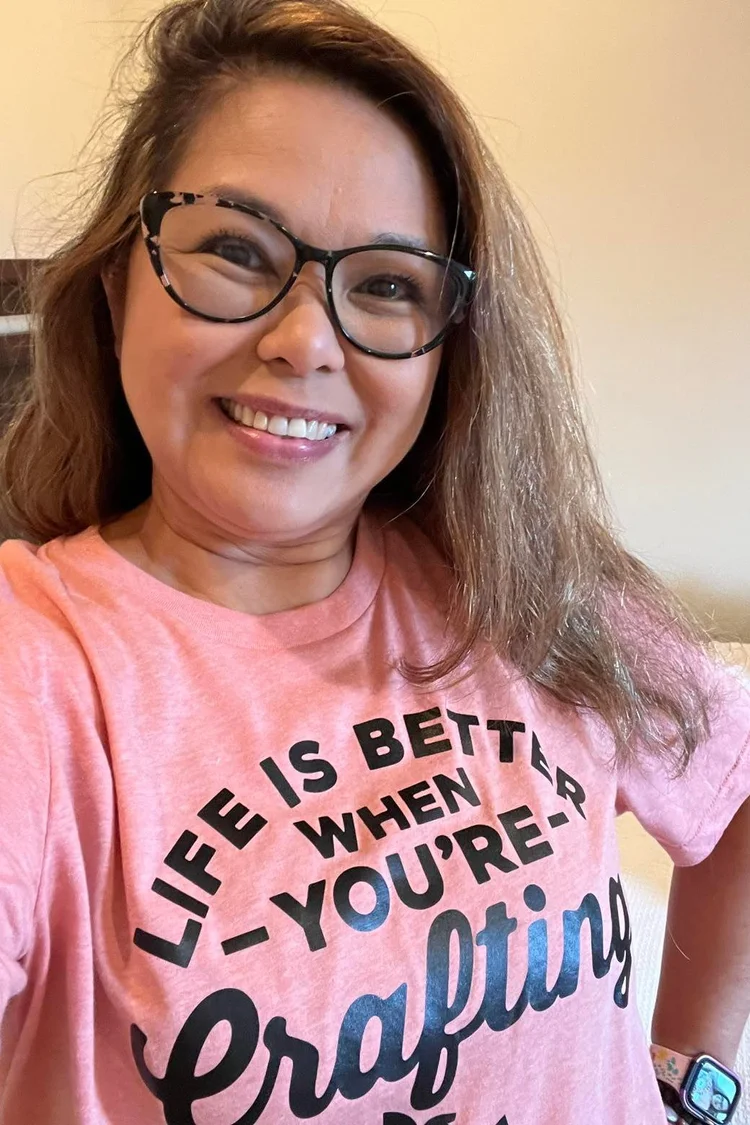
Aloha from Julyne, who currently lives on the island of Kauai in the state of Hawaii. She enjoys stamping, cardmaking, planning, memory keeping and scrapbooking. She’s been a Close to My Heart Maker since 2006 and is a huge fan of Stacy, who she was blessed to meet at a CTMH Convention. Julyne loved Simple Scrapbooks magazines. |
|
|
Lisamarie Howells was named after her Oma Maria, not Elvis’ daughter. She lives just outside Edmonton, Alberta, Canada, with a dog named after an Ewok and four other guys. She is a mom, teacher, creation-enjoyer, ceauty-creator, justice-seeker, community-builder, wife, friend and more. She’s savored Stacy’s wisdom since she won a copy of her Photo Freedom book years ago and appreciates the way Stacy playfully approaches organization. |
|

|
|
|
Lisa began her Video Workflow (while watching the live session this week!) by creating folders and albums to give herself a place to make progress. She is trusting that Stacy has a vision for using some of her videos and photos and is giving herself the grace to mess around and just start. During the live, Lisa summarized Stacy’s workflow like this: “Decide on videos: keep, delete, then caption or keywords, then move to edit album or to albums based on people or projects under Videos Folder.”
|
More Video Workflow Coming
|
|
In coming months, we’ll be talking more about videos—uploading them to share or archive, generating QR codes to add to scrapbook layouts, inserting photos Ito videos, etc. For now, just START! Begin familiarizing yourself with your videos, purging those you don’t want, adding captions, and curating albums for projects so you’ll be ready as new ideas are presented. (In fact, Stacy teased that she’ll be sharing how to create a fun, easy video story in September’s Curious & Creative video!) 🧡 And remember, workflow is personal, so start with these steps and make adjustments as you go, so that you can find and enjoy your videos!
|
|
p.s. You can find the replay of Wednesday Workflow HERE.
|
|
A NOTE from 🧡 Stacy …
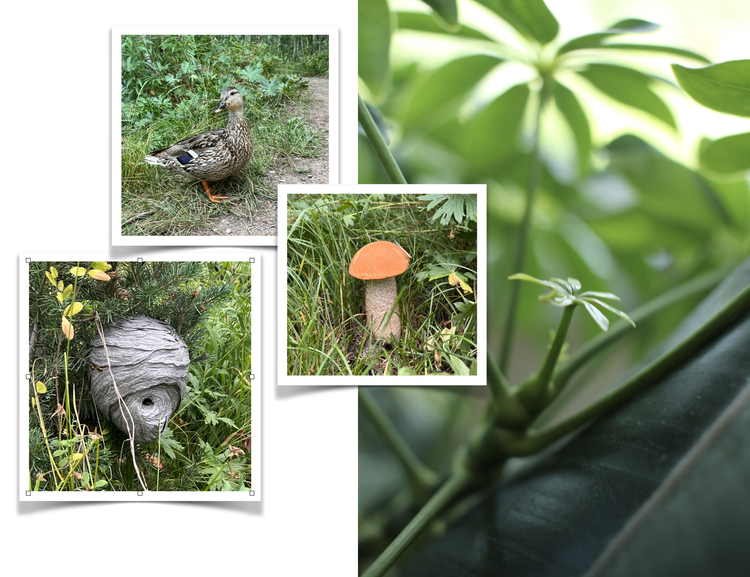
I LOVE having particular things to look for during the month. Our world is filled with interesting, unique and beautiful things that are far too easy to pass by! Now we have permission to stop, notice and sometimes take pictures! On a recent hike, I caught a glimpse of something small and round. I stopped, got down low, moved the grass out of the way and experienced (up close) my first-ever orange-topped mushroom!
|
|
Here’s to #smallthings all around us that deserve to be noticed!
|
How can I be more productive with ideas?
|
|
|
|