Three of the emails I received this past week have asked a version of the question above—and all of them can be answered in the Utilities section of your Floating Toolbar.
Your assignment today is to review FOUR different views of your Photos Library that are …
Recently Saved
Recently Viewed
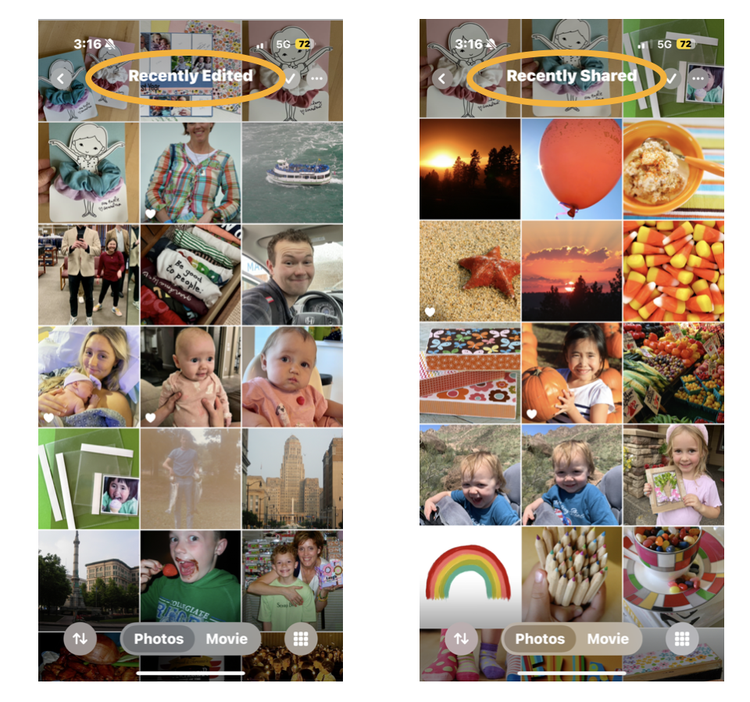
Recently Edited
Recently Shared
🎶 Depending on HOW you have recently interacted with your photos, these views will be very different—AND—you’ll know which view you are in by the name at the top of your screen.
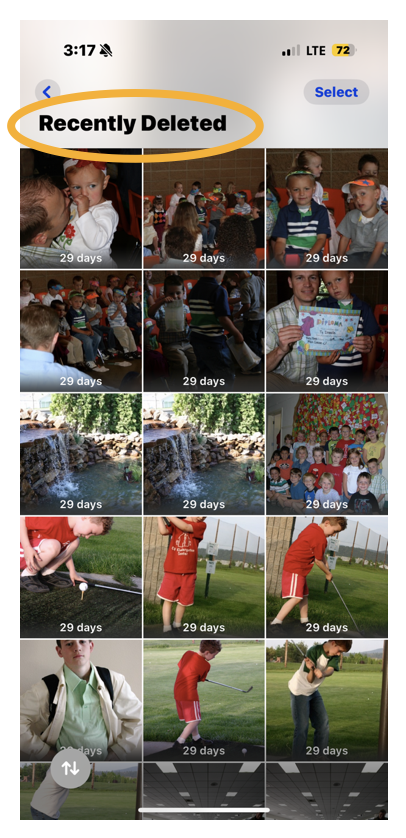
There is of course ONE additional “Recent” view and that is your Recently Deleted area, where images—that you have let go of—are available to recover to your library for up to 30 days.
I have one more REMINDER and word of advice on this fine Friday, and it’s this:
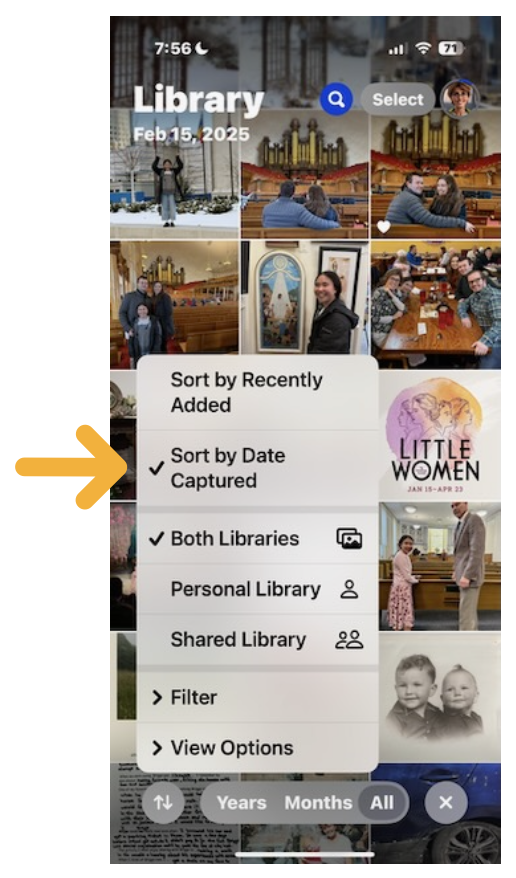
Make sure you’re sorting images in your Photos Library by “Date Captured”
This is especially true IF you use and want to benefit from Date Markers.
Play around with these different views today. Notice how they are different and practice using them as finding features.
You’re doing such a great job learning ALL of this and playful practice is the key to retaining this NEW information!
Rock Your Scroll course login
To enter the Rock Your Scroll 2025 course page, simply click the orange button below and use the password: JOYonmyphone
Please NOTE: THE J-O-Y are capital letters and the rest are lower case.
If you need to log in again, click on the Courses tab on my website, www.stacyjulian.com. Scroll down to where all the course logins are located (look for circles!) and click on Rock Your Scroll 2025. Then enter the password and ready to rock!