$$PLAIN_TEXT_PREVIEW$$
Live Your Story with Stacy Julian

Collections vs. Albums

Hello 👋

Let’s get really clear about two commonly used terms: Collections and Albums. There are similarities and differences between the two and it’s imperative that YOU understand them!

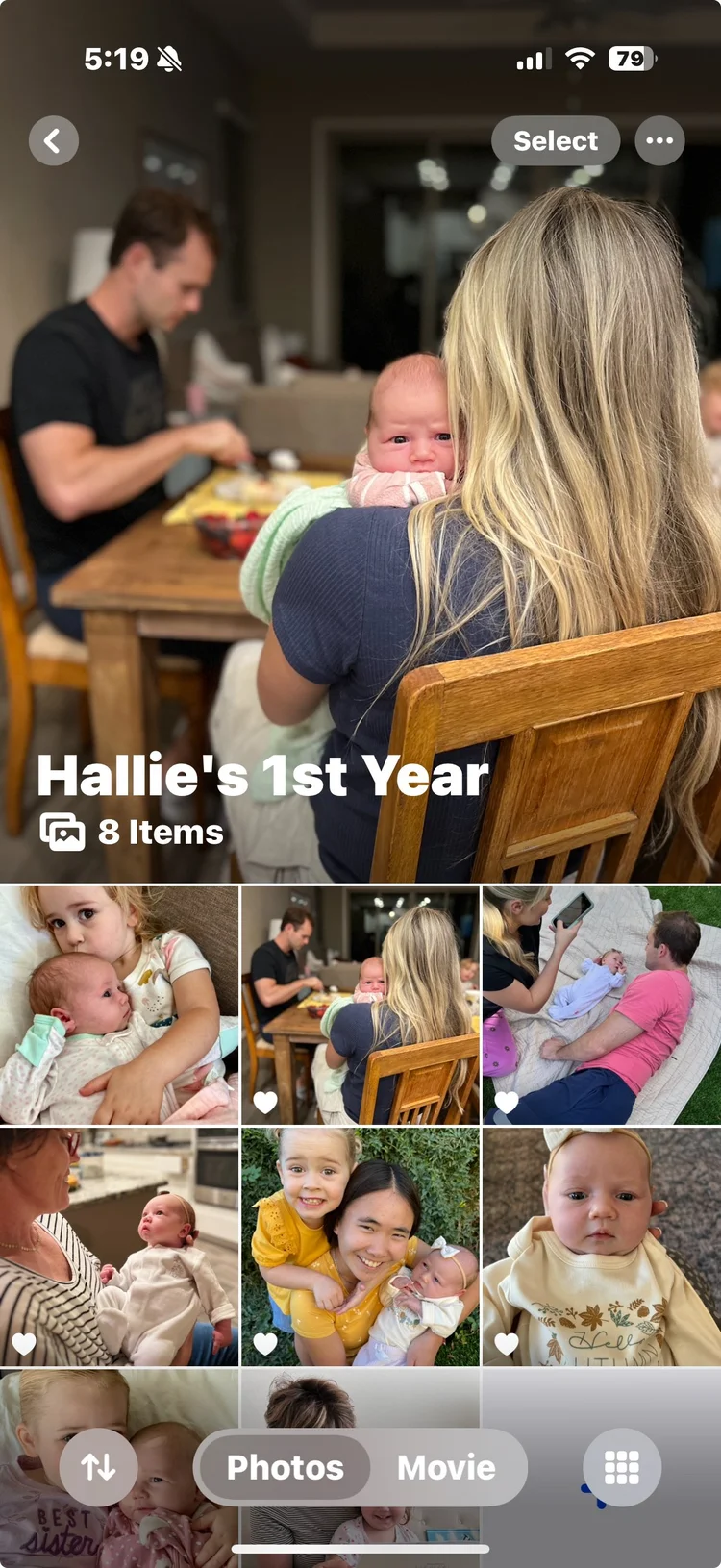
A COLLECTION is an automatically generated grouping of images. Collections are HOW Apple Photos and iOS do the organizing we need—you can think of them as pre-organized. You cannot create or delete a collection. In some cases you can customize a collection.

An ALBUM is a user-generated grouping of images. Albums are HOW you and I add organization beyond what iOS18 provides. We’ll talk much more about albums and specifically how we can use them to curate experiences AND take action to do something with our images.


We’ll talk more about Collections & Albums in our Q&A Session TODAY!


THIS is a screenshot of my Favorites collection, showing images taken in January. Images are automatically added to my Favorites when I … favorite them!

THIS is a screenshot of an album I created for a project I am working on. The only way images are added to this—or any of my albums—is if I add them manually.


One of the MOST IMPORTANT concepts you can understand and leverage as you manage your Photos Library is THIS:

Images that you look at in any of your collections, like Favorites, Recently (Saved, Viewed, Edited) or Imports are still in the Photos library. Collections are simply filtered views of your entire library.

When you create an album and place an image in it. It is still in your Photos library. You are creating a custom filtered view—one that will only grow IF you add images to it.

🎶 Bring your questions to our LIVE session at 11AM Pacific Time today!


Rock Your Scroll course login

To enter the Rock Your Scroll 2025 course page, simply click the orange button below and use the password: JOYonmyphone

Please NOTE: THE J-O-Y are capital letters and the rest are lower case.

 Rock Your Scroll Login 

Password: JOYonmyphone

If you need to log in again, click on the Courses tab on my website, www.stacyjulian.com. Scroll down to where all the course logins are located (look for circles!) and click on Rock Your Scroll 2025. Then enter the password and ready to rock!

 
Live Your Story with Stacy Julian
pinterest facebook facebook instagram

Stacy Julian LLC, 21601 E. Mill River Ln, Liberty Lake, WA 99019, United States

Unsubscribe